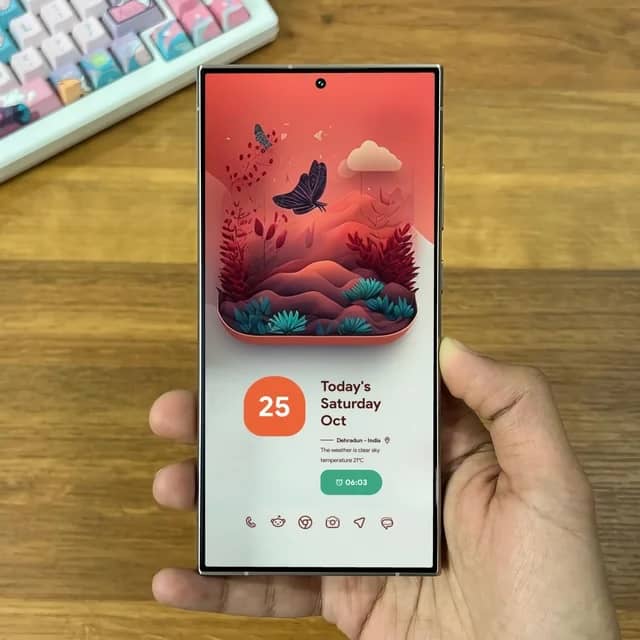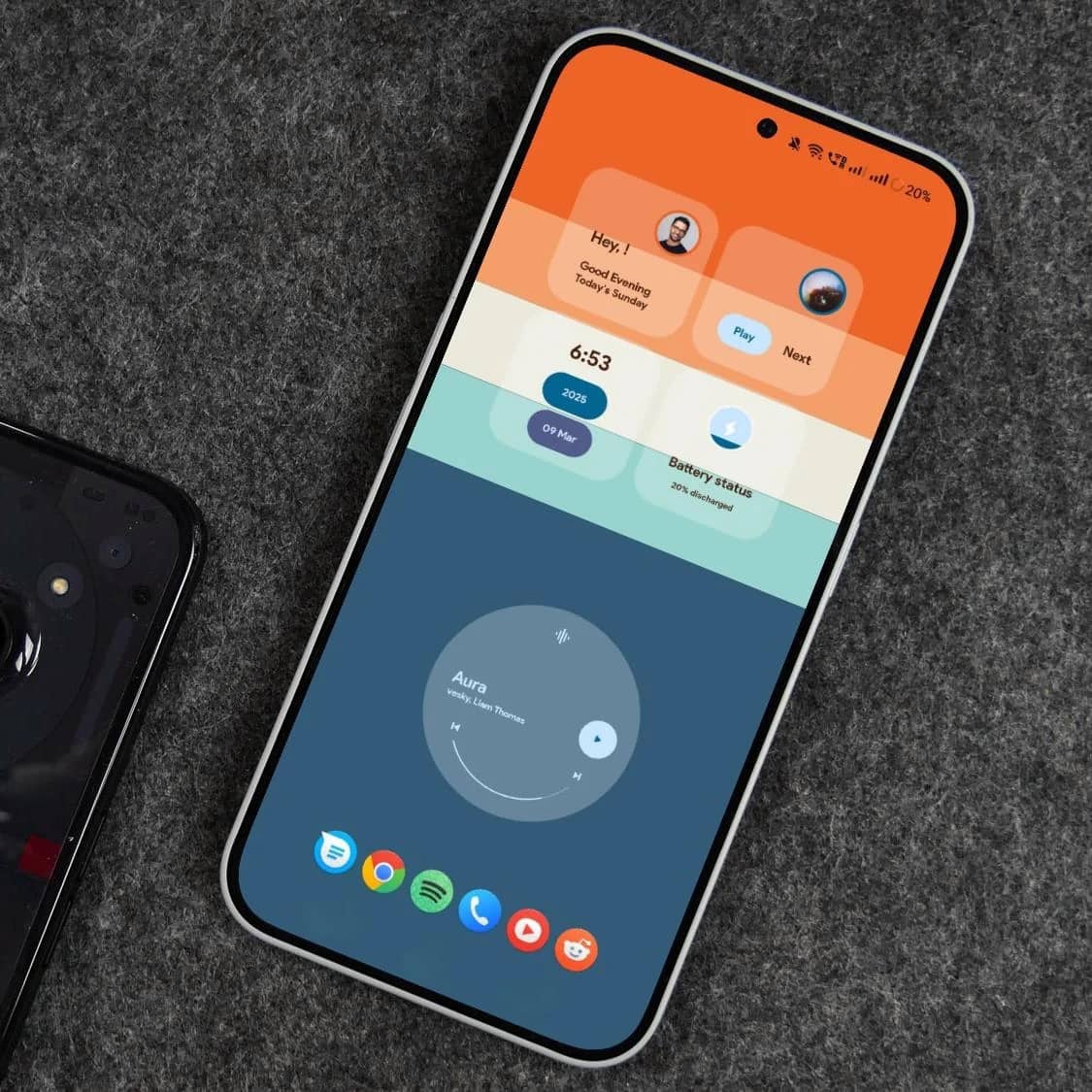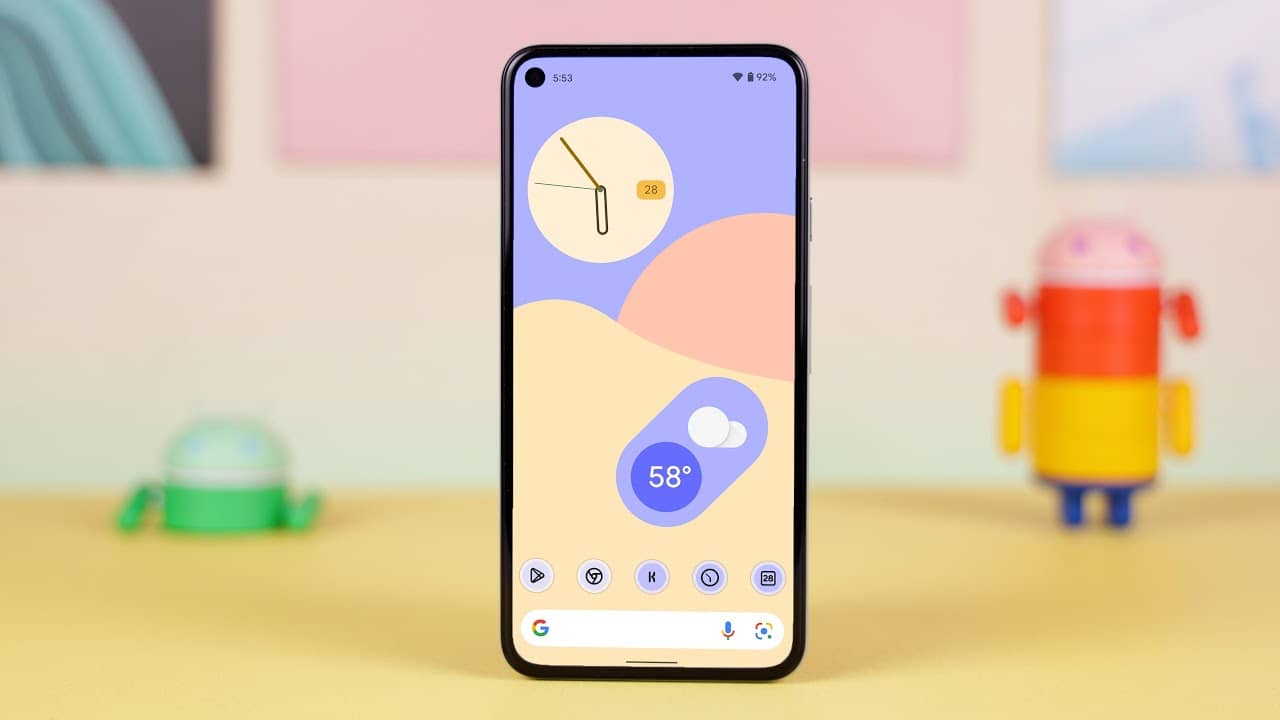
Lawnchair Launcher
Fast & Custom Android Launcher

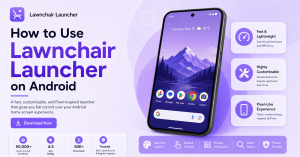
Get the clean, customizable Android launcher inspired by Pixel Launcher. Download Lawnchair Launcher APK and enhance your home screen experience.

Trusted by
0 +
users arround the world
0
Avg Rating
0 K+
Download

Why Choose LawnchairLauncher?

Lawnchair Launcher combines performance, customization, and a clean Pixel-inspired design to give you full control over your Android home screen.

01
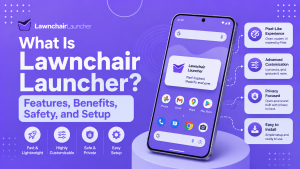
Fast & Lightweight

Enjoy a smooth and responsive experience with a launcher built for speed and efficiency.

02
Customization Options

Personalize your home screen with icon packs, layouts, gestures, and advanced settings.

03
Pixel-Like Experience

Get the look and feel of Google Pixel devices with a clean, modern interface.

lawnchairlauncher

Trusted by Android Users Worldwide

LawnchairLauncher continues to be a popular choice for users who want speed, customization, and a Pixel-like experience.

Downloads
0 K+
Active Users
0 K+
User Rating
0 +
Years of Development
0 +

Customize Your Android Experience with LawnchairLauncher

LawnchairLauncher gives you complete control over your Android home screen. From customizing icons and layouts to enabling advanced gestures, it delivers a smooth and personalized experience inspired by Pixel devices.

Advanced Customization

Easily change icon packs, grid sizes, themes, and layouts to match your style and preferences.

Smooth Performance

Optimized for speed and efficiency, ensuring a lag-free and responsive user experience.

Privacy & Control

Enjoy a launcher that respects your privacy while giving you full control over features and settings.

Powerful Features of LawnchairLauncher

Explore the key features that make Lawnchair Launcher a top choice for Android users who want speed, style, and full control.

Icon Pack Support

Apply and customize third-party icon packs to completely change your home screen look.

Gesture Controls

Use swipe gestures for quick access to apps, settings, and shortcuts.

Custom Grid Layout

Adjust rows, columns, and icon sizes to create your perfect layout.

Adaptive UI Design

Enjoy a clean and adaptive interface inspired by Google Pixel devices.

Smart Search

Quickly find apps, contacts, and more with built-in smart search functionality.

Privacy Focused

Built with privacy in mind, giving you control without unnecessary permissions.

What Users Say About LawnchairLauncher

See why thousands of Android users love the speed, customization, and Pixel-inspired design of Lawnchair Launcher.

LawnchairLauncher completely transformed my home screen. It’s fast, lightweight, and the customization options are amazing!

Sarah Johnson

Android Enthusiast

I love how closely it mimics the Pixel experience. Smooth performance and gestures make it my go-to launcher.

David Thompson

Tech Blogger

As an open-source enthusiast, I appreciate that LawnchairLauncher is transparent, regularly updated, and fully customizable.

Jessica Lee

Developer

Download LawnchairLauncher & Upgrade Your Android

Get a fast, customizable, and Pixel-inspired launcher for your Android device. Download Lawnchair Launcher APK and transform your home screen in minutes.

Quick & Easy Install

Download the APK and install LawnchairLauncher with simple step-by-step instructions.

Fully Customizable

Personalize everything from icons to gestures and layouts to match your style.

Regular Updates & Open Source

Backed by an active open-source community on GitHub for transparency and continuous improvements.

LawnchairLauncher FAQs

Find answers to the most common questions about downloading, installing, and using Lawnchair Launcher on your Android device.

Lawnchair Launcher is a customizable Android home screen launcher designed to provide a clean, Pixel-like experience with advanced personalization features.
It allows users to customize icons, layouts, gestures, and themes while keeping performance fast and lightweight. Lawnchair Launcher is mainly used to enhance Android home screen appearance and improve usability without modifying the core system.

To download the latest version of Lawnchair Launcher APK, visit the official download page and get the safe, updated file directly.

Downloading from the official source ensures:

  • Latest version updates
  • Safe and verified APK files
  • No modified or harmful downloads
  • Better compatibility with your device

Simply click the download button, allow APK installation on your device, and install it like any other Android app.

👉 Download Lawnchair Launcher APK here:
https://lawnchairlauncher.com/download/

Yes, Lawnchair Launcher is generally safe to use. It is a free, open-source Android launcher based on the Android Open Source Project, which makes its code publicly available and transparent.

According to its official app listing, Lawnchair:

  • Does not collect user data
  • Does not share data with third parties
  • Uses optional permissions only for features like gestures and screen lock
    These permissions are optional and disabled by default.

For maximum safety, it is recommended to:

  • Download from the official website
  • Avoid modified or unofficial APKs
  • Keep the launcher updated to the latest version

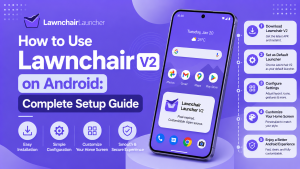
To install Lawnchair Launcher on Android, follow these simple steps:

  1. Download the APK
    Go to the official download page and download the latest Lawnchair Launcher APK.
  2. Enable Unknown Sources
    Open Settings → Security → Install unknown apps and allow your browser or file manager.
  3. Install the APK File
    Open the downloaded APK file and tap Install.
  4. Set as Default Launcher
    Press the Home button and select Lawnchair Launcher as your default home app.

Once installed, you can customize icons, layouts, gestures, and themes from the launcher settings.

Lawnchair Launcher may not always be available on the Google Play Store because newer versions are often released as beta or experimental builds outside the Play Store.

Developers usually publish stable versions on the Play Store, while latest updates, new features, and bug fixes are released first through official websites or GitHub. This helps them test updates and fix issues before a full Play Store release. If you cannot find Lawnchair Launcher on the Play Store, you can safely download the latest version from the official download page:

👉 Download Lawnchair Launcher Latest Version:
https://lawnchairlauncher.com/download/

Yes, Lawnchair Launcher allows full customization of icons and layout.

You can change icon packs, adjust grid size, modify icon size, and customize the home screen layout to match your preferences. It also supports gestures, themes, and dock customization for a more personalized experience.

Yes, Lawnchair Launcher supports gesture controls for quick navigation and actions. You can use gestures like swipe up, swipe down, and double-tap to open apps, access settings, or perform shortcuts directly from your home screen.

Lawnchair also allows you to customize these gestures from the launcher settings, giving you faster and more convenient control over your device. However, system navigation gestures may vary depending on your Android version and device manufacturer.

Lawnchair Launcher supports Android 8.0 (Oreo) and newer versions. Most recent releases are designed to work on modern Android versions, including Android 9, 10, 11, 12, 13, 14, and newer, depending on the specific build.

If you’re using an older Android device, you may need to install an older Lawnchair version for better compatibility and stability.

For the best experience, it is recommended to:

  • Use Android 8.0 or higher
  • Install the latest version
  • Download from the official website Here

Latest from LawnchairLauncher Blog

Stay updated with tips, tutorials, and the latest news about Lawnchair Launcher. Learn how to customize, optimize, and get the most out of your launcher.