What Is Lawnchair Accessibility Service? Simple Guide

Lawnchair’s “Double Tap to Sleep” feature allows users to quickly turn off their device’s screen by double-tapping the home screen. However, some users receive repeated prompts to grant Accessibility permission, even after granting it. This guide explains why the feature requires Accessibility access, common causes for repeated permission requests, and step-by-step solutions to resolve the […]
How to Hide Apps in Lawnchair Launcher on Android

How to Hide Apps in Lawnchair Launcher on Android Lawnchair gives Android users more control over the appearance and organization of their home screen. It is a free, open-source home app built on Launcher3, the same foundation used by the default home screen on stock Android devices. One useful Lawnchair feature is the ability to […]
What Is Lawnchair Launcher? Features, Benefits, Safety, and Setup

What Is Lawnchair? Quick Answer: Lawnchair Launcher is a free, customizable Android home screen launcher that delivers a clean, Pixel-inspired experience while offering advanced personalization options. It includes features such as icon pack support, gesture controls, customizable app drawers, widgets, and flexible home screen layouts. When downloaded from trusted sources, Lawnchair Launcher is safe to […]
How to Use Lawnchair V2 on Android: Complete Setup Guide

How to Use Lawnchair V2 on Android Lawnchair V2 is a customizable Android launcher that gives your device a clean, Pixel-style home screen. It allows you to adjust icons, widgets, folders, themes, gestures, and the app drawer without changing your Android system. To start using Lawnchair V2, install the launcher and set it as your […]
How to Use Lawnchair Launcher on Android: Complete Setup Guide
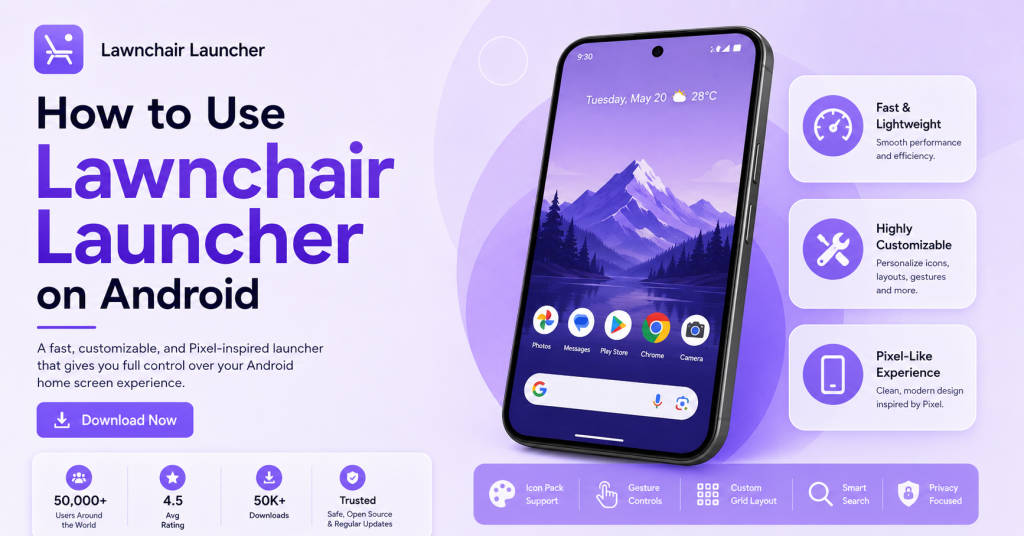
How to Use Lawnchair Launcher on Android Lawnchair Launcher gives Android users a clean, customizable home screen with a Pixel-style design. It allows you to change icons, grids, widgets, gestures, the app drawer, and other visual settings. To use Lawnchair, install the app, set it as your default launcher, and open Home Settings to begin […]