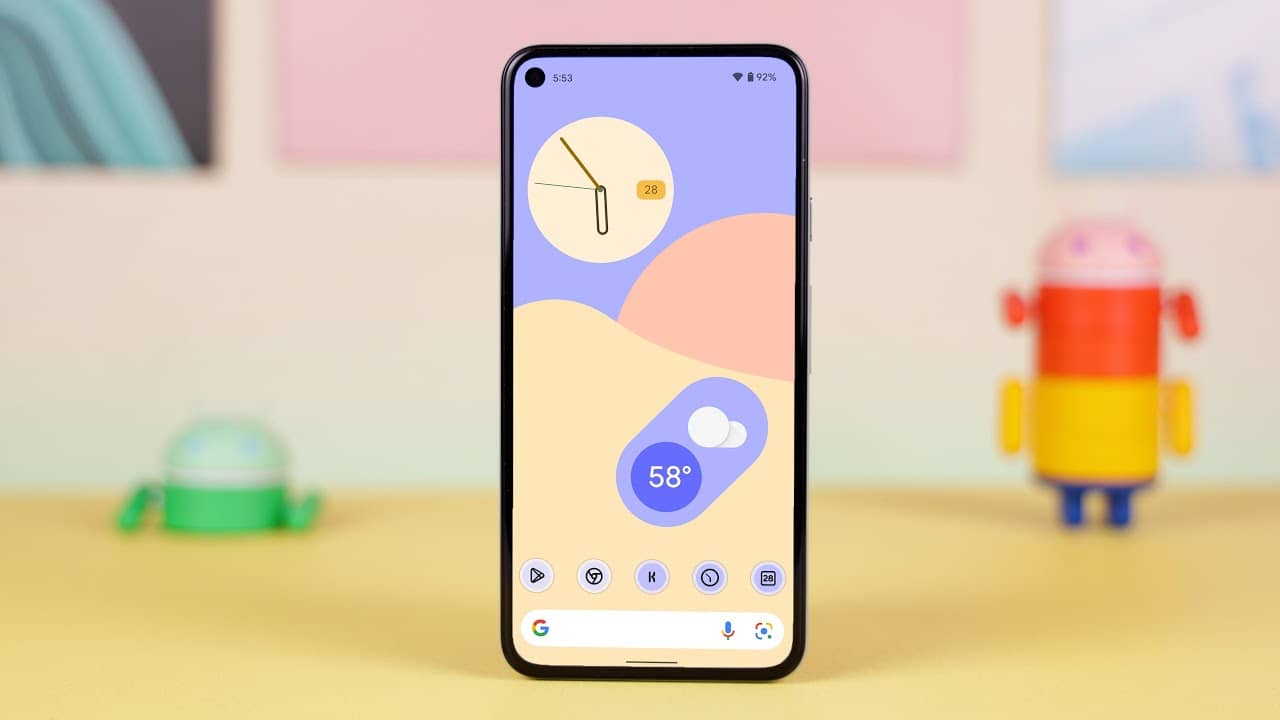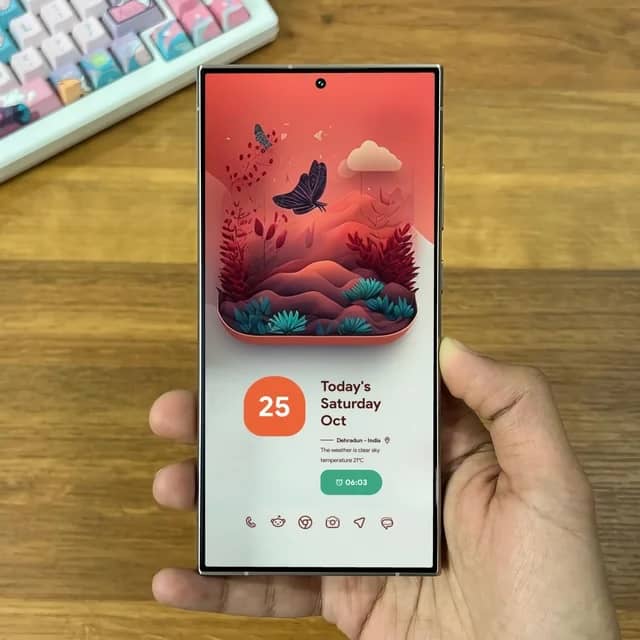




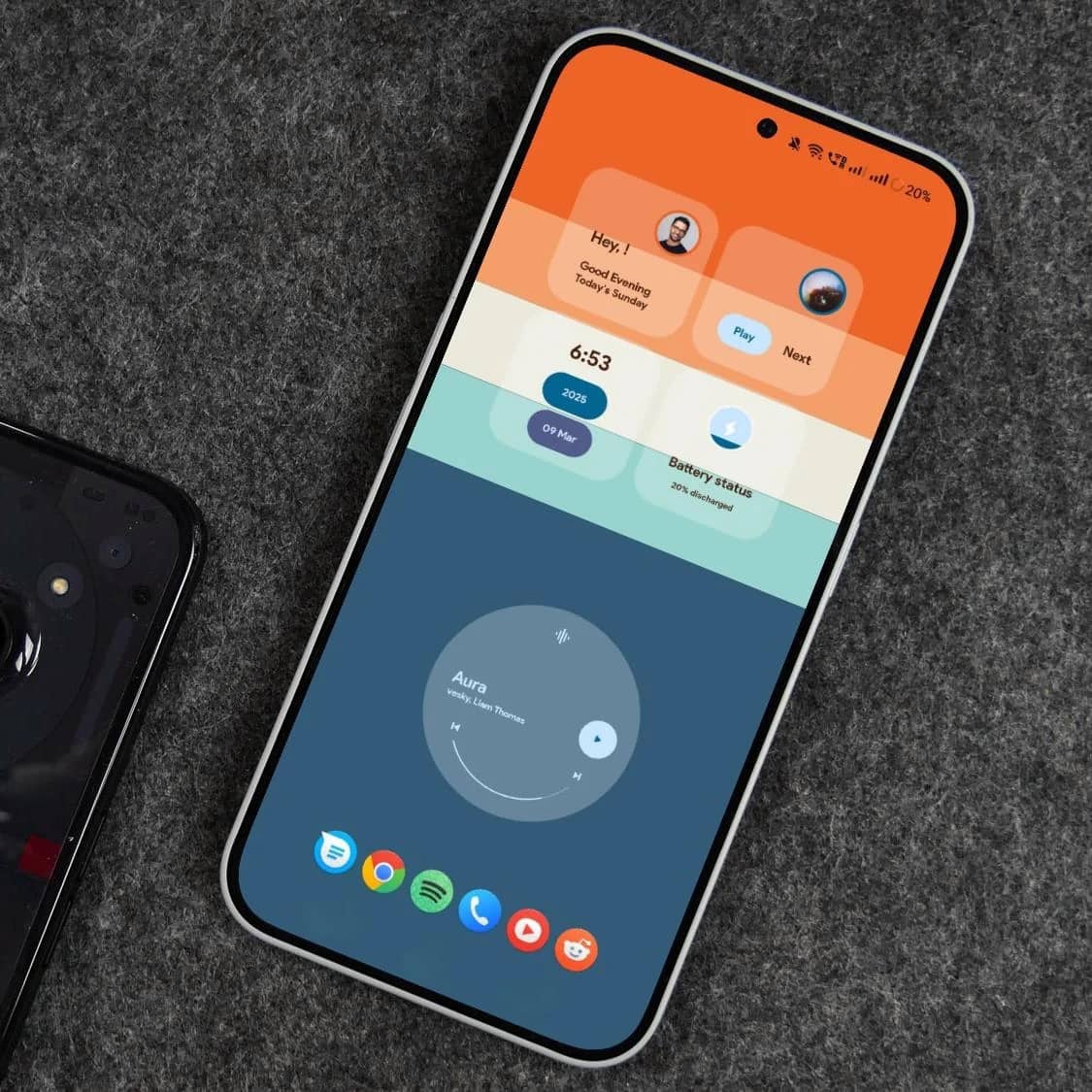











Get the clean, customizable Android launcher inspired by Pixel Launcher. Download Lawnchair Launcher APK and enhance your home screen experience.
Lawnchair Launcher combines performance, customization, and a clean Pixel-inspired design to give you full control over your Android home screen.
Enjoy a smooth and responsive experience with a launcher built for speed and efficiency.
Personalize your home screen with icon packs, layouts, gestures, and advanced settings.
Get the look and feel of Google Pixel devices with a clean, modern interface.
LawnchairLauncher continues to be a popular choice for users who want speed, customization, and a Pixel-like experience.
LawnchairLauncher gives you complete control over your Android home screen. From customizing icons and layouts to enabling advanced gestures, it delivers a smooth and personalized experience inspired by Pixel devices.
Easily change icon packs, grid sizes, themes, and layouts to match your style and preferences.
Optimized for speed and efficiency, ensuring a lag-free and responsive user experience.
Enjoy a launcher that respects your privacy while giving you full control over features and settings.
Explore the key features that make Lawnchair Launcher a top choice for Android users who want speed, style, and full control.
Apply and customize third-party icon packs to completely change your home screen look.
Use swipe gestures for quick access to apps, settings, and shortcuts.
Adjust rows, columns, and icon sizes to create your perfect layout.
Enjoy a clean and adaptive interface inspired by Google Pixel devices.
Quickly find apps, contacts, and more with built-in smart search functionality.
Built with privacy in mind, giving you control without unnecessary permissions.
See why thousands of Android users love the speed, customization, and Pixel-inspired design of Lawnchair Launcher.
LawnchairLauncher completely transformed my home screen. It’s fast, lightweight, and the customization options are amazing!

Android Enthusiast
I love how closely it mimics the Pixel experience. Smooth performance and gestures make it my go-to launcher.

Tech Blogger
As an open-source enthusiast, I appreciate that LawnchairLauncher is transparent, regularly updated, and fully customizable.

Developer
Get a fast, customizable, and Pixel-inspired launcher for your Android device. Download Lawnchair Launcher APK and transform your home screen in minutes.

Download the APK and install LawnchairLauncher with simple step-by-step instructions.

Personalize everything from icons to gestures and layouts to match your style.

Backed by an active open-source community on GitHub for transparency and continuous improvements.

Find answers to the most common questions about downloading, installing, and using Lawnchair Launcher on your Android device.
LawnchairLauncher is a customizable Android launcher that offers a clean, Pixel-inspired interface with advanced features like gestures, icon packs, and layout customization.
You can download the Lawnchair Launcher APK directly from our website
Yes, LawnchairLauncher is an open-source project, which means its code is publicly available and regularly reviewed by developers for security and transparency.
Download the APK file, enable “Install from Unknown Sources” in your device settings, and open the file to complete the installation.
Some versions are not officially published on the Play Store, so users download APK files from trusted sources like GitHub or dedicated websites.
Yes, you can fully customize icon packs, grid size, gestures, and overall layout to match your personal style.
Yes, it includes gesture controls like swipe up, swipe down, and double tap for quick actions.
LawnchairLauncher supports a wide range of Android versions, but compatibility may vary depending on the APK version you install.
Stay updated with tips, tutorials, and the latest news about Lawnchair Launcher. Learn how to customize, optimize, and get the most out of your launcher.